
Checklist for Sharing Gender Reveals via Messaging Apps
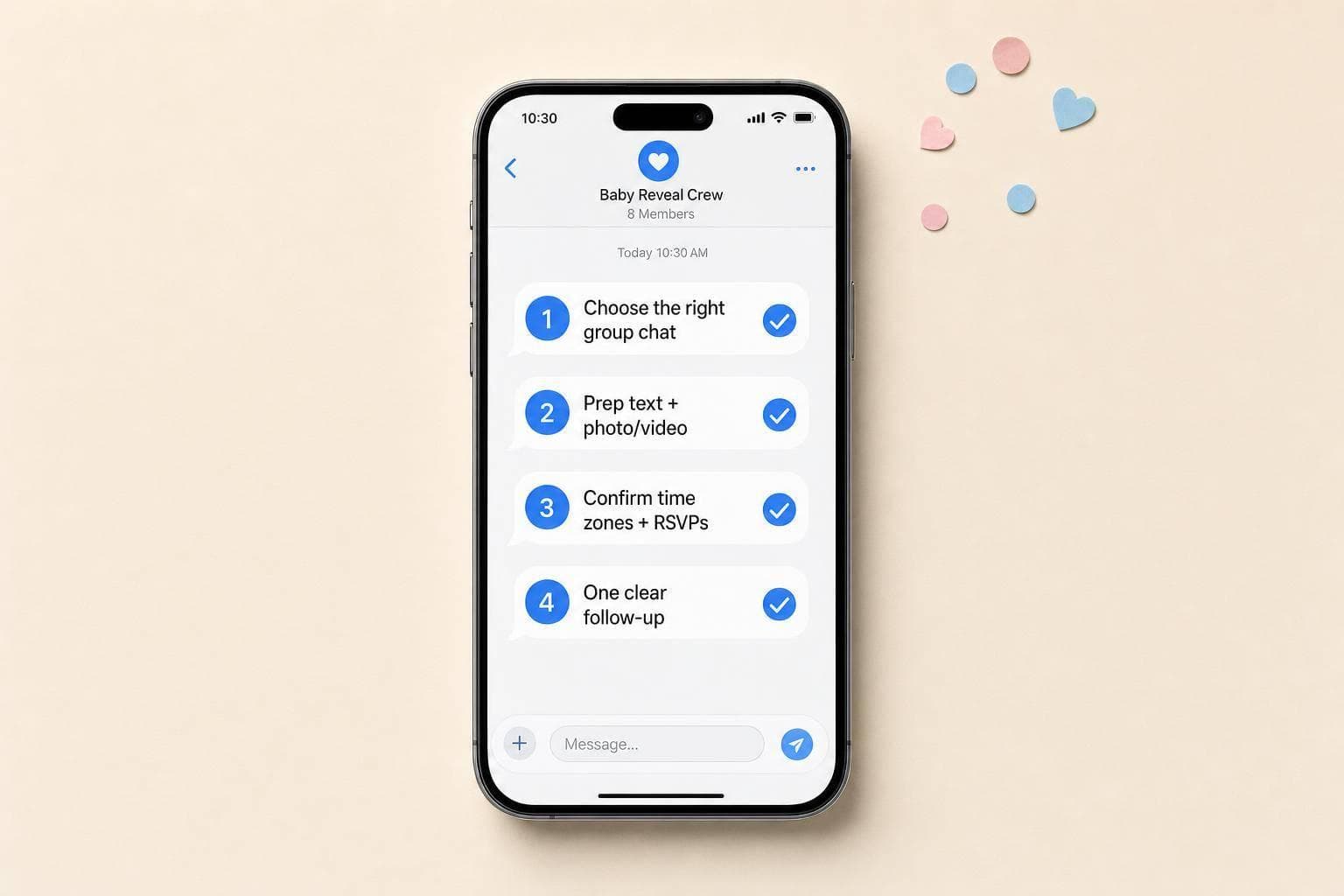
A gender reveal message can go wrong in seconds if it hits the wrong chat, sends at the wrong time, or includes a file that won’t load. I’d keep it simple: check the guest list, set the time with a virtual gender reveal countdown, prep one short message, test the media, and send one follow-up after the reveal.
In short, this article comes down to four parts:
- Set up the right chat so the right people see it
- Prep your message and files before reveal day
- Keep guests involved with RSVPs, prompts, and follow-ups
- Save the best replies and photos after it ends
A few small checks can prevent common problems. For example, group texts have a high error rate in daily use - many people have sent a message to the wrong thread at least once. And since the U.S. spans 6 main time zones, writing out the full time matters if guests live in more than one state.
If I were doing this, I’d use this quick plan:
- Confirm the chat and guest list
- Write the reveal text in advance
- Use a short video, one photo, or a link featuring creative online gender reveal ideas
- Add a note asking guests not to share yet
- Send reminders before the reveal
- Post one recap message after
Here’s the fastest way to view the full checklist:
| Part | What to check | Why it matters |
|---|---|---|
| Chat setup | Contacts, group, permissions, time zone | Helps avoid missed guests and wrong sends |
| Message and media | Final text, file size, backup option | Helps avoid loading issues and delays |
| Guest activity | RSVPs, prediction prompt, late guests | Keeps people in the loop |
| Follow-up | Thank-you, final news, saved photos | Keeps the memory in one place |
This article is a short plan for sending a gender reveal by message without mix-ups, delays, or extra stress.
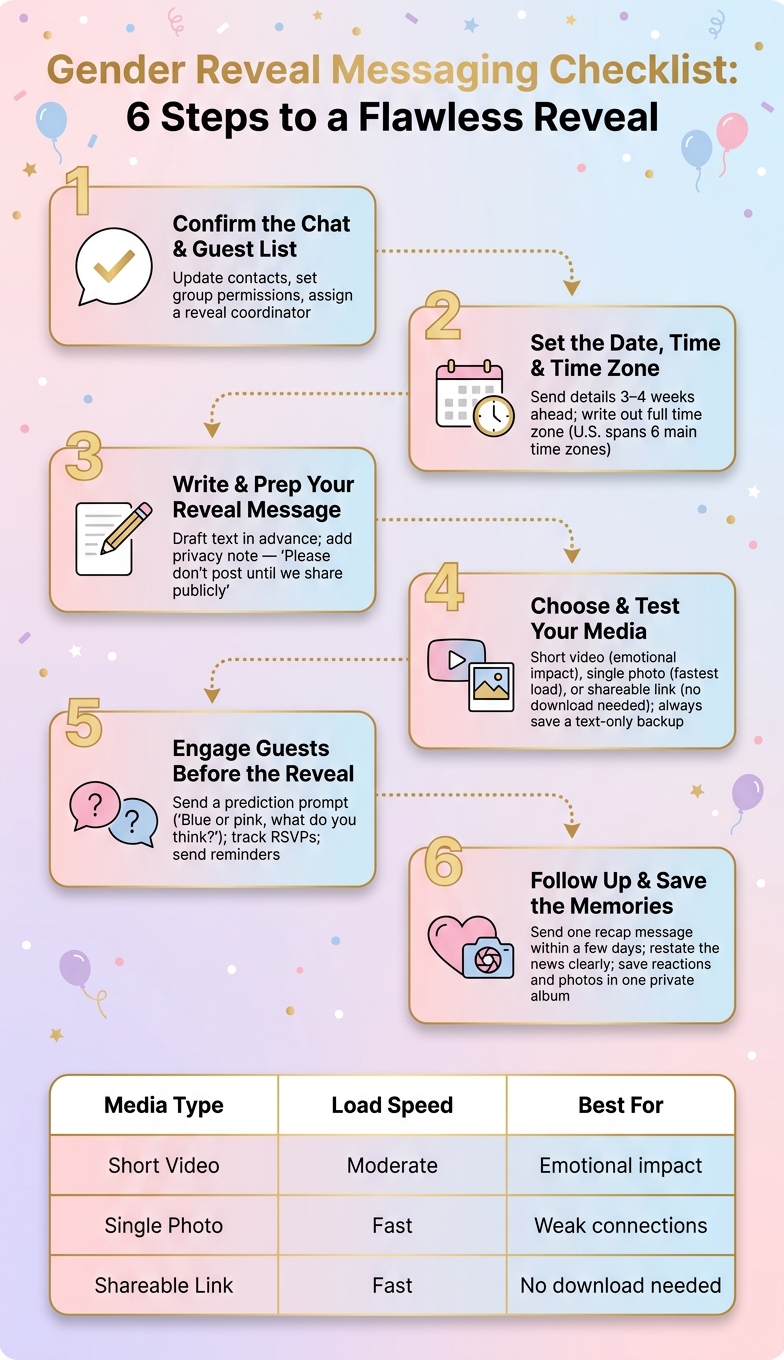
Gender Reveal Messaging Checklist: 6 Steps to a Flawless Reveal
1. Messaging app setup before reveal day
Start with the chat setup first, because it decides who sees the reveal and who might spoil it.
Confirm the chat, contact list, and permissions
Update your contact list and guest permissions before you send anything. A fast scroll can catch old numbers or a family member who got left out by accident.
Then pick between a group chat and a one-way message:
- Group chat: more interaction, more spoiler risk
- One-way message: less interaction, lower spoiler risk
If you choose a group chat, make a trusted friend the admin or reveal coordinator. That person can manage the guest list and keep the message flow under control so the surprise stays intact.
State the date and time clearly for U.S. guests
Once your guest list is set, lock in the best time for your reveal. Write out the date, start time, time zone, and RSVP deadline in full. Send those details 3–4 weeks ahead so guests have time to plan.
If you're using GenderReveal.live, the built-in countdown timer, automated reminders, and RSVP management can help keep everything organized and give you a live headcount.
Add a short privacy note before sharing photos or video
Before you share photos or video, set one simple rule. Add this line: "Please don't post or forward until we share it publicly."
That one sentence sets expectations early, before anything gets passed around.
sbb-itb-bc05356
2. Prepare the reveal message and media files
With your chat ready and your privacy note posted, the next move is simple: get the message and media set before reveal day. Clear wording cuts down on mix-ups. Fast-loading media helps the moment land without awkward delays.
Write one clear message with the reveal and the next step
Keep the message short and easy to scan. Share the news first. Then tell guests exactly what to do next.
Once your wording is set, pair it with media that opens fast on mobile. That one detail can make the whole reveal feel smooth instead of clunky.
Choose a short video, photo, or countdown graphic
Use one short clip, like a balloon pop, if you want a little drama without making people wait. If you want the safest option, go with a single high-quality photo, such as a baby outfit, ultrasound image, or cupcake with a colored center. It uses less data and tends to load fast, even on weaker connections.
Have a backup ready too. Save one backup graphic and a text-only backup on your phone before reveal day.
| Media Type | Load Speed | Best For |
|---|---|---|
| Short video clip | Moderate | Emotional impact and live reactions |
| Single photo | Fast | Weak connections and quick announcements |
| Shareable reveal link | Fast | Interactive reveals with no download needed |
If the file seems too heavy, switch to a link-based reveal instead. It's often the safer bet when guests are joining from different phones, apps, and internet speeds.
Use built-in reveal tools for a more polished experience
GenderReveal.live lets you make a reveal page with a countdown timer, trustee mode, and themed templates, then share it by link. Guests open the link in their browser, which helps avoid file-size problems and blurry video quality from chat apps.
Trustee mode vs. traditional reveals helps if you want to be surprised at the same time as everyone else. A trusted friend or doctor adds the result before reveal time, so the news appears for all guests at once.
3. Get guests involved before and during the reveal
Once your chat and reveal are set, use the thread to build a little buzz before the big moment.
Send a prediction prompt before the reveal
Send a short prediction message before the reveal. Something like "Blue or pink, what do you think?" makes it easy for guests to jump in with a fast reply. You can also make it more playful by asking people to vote based on common guesses, like cravings or baby bump shape, or other online gender reveal ideas, so the chat feels active instead of passive.
As replies start coming in, use them to keep the conversation moving until reveal time.
Track who has RSVP'd and send reminders
Check RSVPs before you send the reveal so you can time it for the guests who are ready.
If you want a simple way to handle that, GenderReveal.live has built-in RSVP management with a live head count, so you can see who's confirmed at any time.
Watch reactions and keep late guests in the loop
When the reveal goes out, stay in the thread for a few minutes and reply to reactions. A quick "We love seeing your reactions! 🎉" helps keep the chat lively.
If some guests show up late, pin the reveal message or send one clean follow-up with the final news so they can catch up fast.
4. Follow up after the reveal and save the memories
Send one thank-you message and restate the news clearly
After the reveal winds down, send one simple recap message so everyone has the final update in one place. Thank people for joining, say the news again in plain words - "It's a girl!" or "It's a boy!" - and add your best photo or a short clip.
Send that message within a few days. It gives guests a clear ending to the event, and it gives anyone who missed the live reveal one easy message to find later.
Then save the best reactions before the thread gets buried.
Save messages, reactions, and photos in one place
Keep the messages, reactions, photos, and videos in one private album so the reveal is easy to revisit and share later. A saved thread also lets family members who missed the live moment relive it when they have time.
If you're using GenderReveal.live, its guest messages feature can help keep everyone's notes together in one place.
"Photos and short videos are a great way to preserve memories. Sharing highlights on social media or creating a digital album for your child in the future makes the event feel timeless." - Madeline Johnson, Pampers.com Executive Editor
Conclusion: A simple follow-up that keeps the memories together
A smooth follow-up comes down to three checks: thank guests, restate the news, and save the best moments in one place.
FAQs
What if I send the reveal to the wrong chat?
If you accidentally send the gender reveal to the wrong chat, fix it fast and keep it clear. Send a short note saying it was sent by mistake and clarify who it was meant for.
Then message the right person or group so they get the reveal in private, especially if it’s supposed to stay a surprise. A quick, direct correction can cut down on confusion and help protect the moment.
Should I use a video, photo, or link?
A photo or video is a great way to share your gender reveal. It saves the moment, feels personal, and makes it simple to send to loved ones who couldn’t be there in person.
A shareable link can work well too, especially if you want guests to join countdowns, polls, or animated reveals. Any of these can make the moment feel more fun and memorable.
How do I include guests in different time zones?
Share the event time in your local time zone and add a short note so guests can convert it to their own. That small step cuts down on mix-ups and makes it much easier for people to join on time.
If you're hosting a virtual event, send reminders that show the correct local time. If your platform offers it, include a countdown timer that adjusts to each guest's time zone.